Extend Single Book
Appointment books can be extended on an individual basis.
- Open the Extension plan view. See - Extension Plan Overview.
- Right click on the Book owner's name, or an inactive (grey) week.
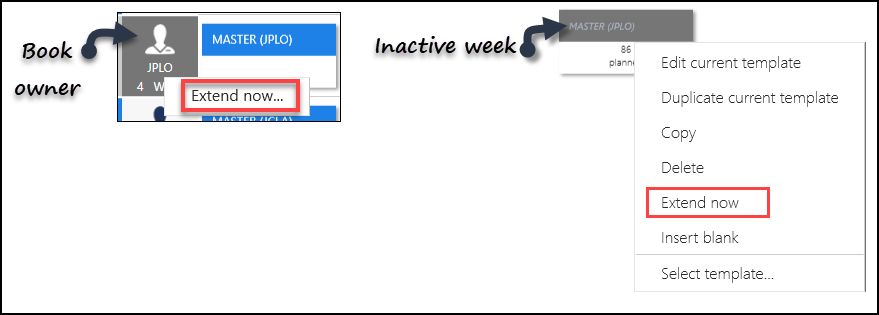
- Select Extend now.
- Check the Confirm book extensions alert.
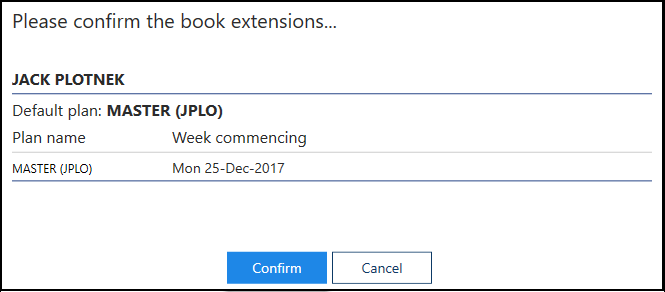
- Select the Confirm button to continue.
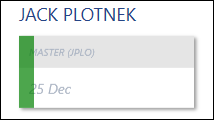
- As the book extends a progress indicator displays.
- On completion, a message displays confirming the book has successfully extended.
Select the OK button, to clear the message.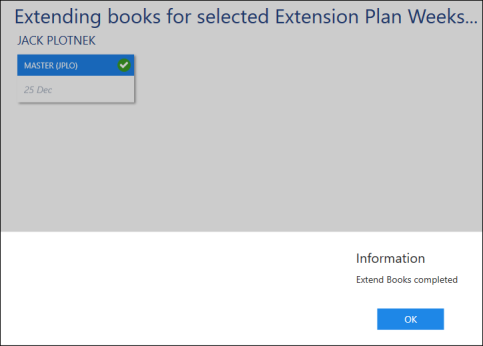
- Select the Close button at the bottom right of the view, to return to the Extension Plan.
See - Extend Books and Video Tutorials.

